Grab Windows 11 Pro for Mac at a Massive Discount
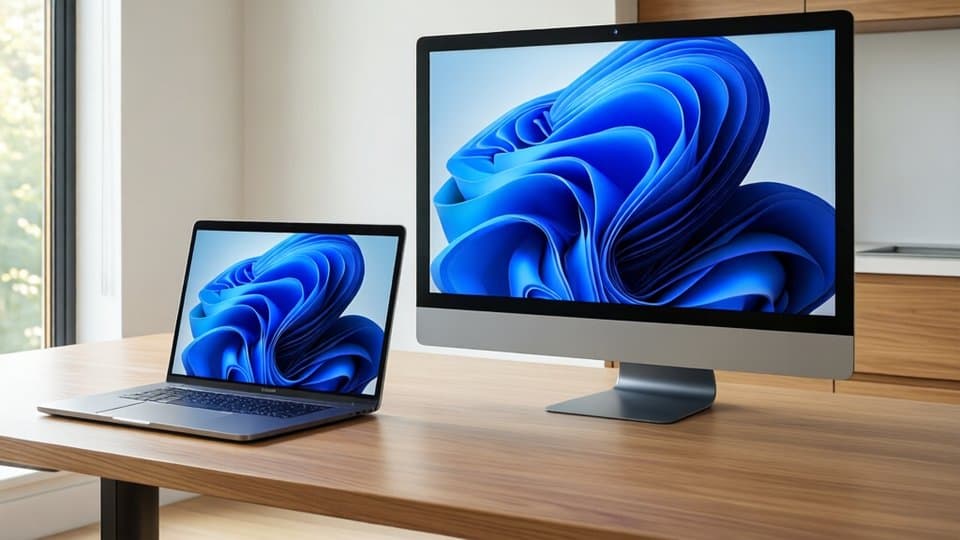
How to get Windows 11 Pro on a Mac for under $10
Mac users can currently purchase a lifetime Windows 11 Pro license for $9.97 through November 22. This early Black Friday deal through StackSocial allows users to run the operating system on a Mac via virtualization software. You must use software like Parallels or VMware Fusion to host the Windows environment.
- StackSocial is offering the license for $9.97, down from a regular price of $199, according to Macworld.
- The discounted price remains valid until 11:59 p.m. PT on November 22, Macworld reports.
- The license requires a machine with a 1GHz processor, 4GB RAM, and TPM 2.0, according to Lifehacker.
What is this Windows 11 Pro deal?
This deal provides a lifetime license for the professional version of Microsoft's operating system at a steep discount. Instead of the standard $199 price point, users can pay a single fee of $9.97. This is a fresh installation license rather than an upgrade for older machines.
The offer is part of an early Black Friday promotion. While PCWorld previously noted a similar $9.97 sale ending in September, the current promotion extends through late November. This allows more users to access the software during the holiday shopping season.
The license is tied to a single machine or virtual machine for life. It cannot be transferred to different hardware once it is activated. Users should note that Microsoft Office is not included in this specific purchase. You will need a separate license if you require Word or Excel within your Windows setup.
Why does the Pro version matter for Mac users?
The Pro edition includes specific security and business tools that the Home edition lacks. These features are often necessary for users connecting to work or school networks. Using Pro allows you to maintain a professional environment alongside macOS.
Security is a primary benefit of the Pro version. It includes BitLocker, which provides full-disk encryption to protect your data. PCWorld explains that BitLocker locks down the drive whether the installation is physical or virtual.
Business connectivity is also a major factor. The Pro version supports Azure AD, which helps manage identities and access for business networks. This makes the Windows side of your Mac much more capable for professional tasks. It also includes Hyper-V for running additional virtual machines and Windows Sandbox for testing apps in an isolated environment.
Who is affected by this software requirement?
This deal is designed for Mac owners who need specific Windows applications. Many people keep a Windows virtual machine specifically for one work app or a single game that does not run on macOS. This purchase solves the licensing hurdle for those users.
Remote workers and students are likely the primary beneficiaries. Because the Pro version handles business network requirements, it is more suitable for those using Windows for professional or academic purposes. It provides the necessary tools for identity management and secure data handling.
Hardware requirements are strict. Lifehacker states that this is not an upgrade path for unsupported PCs. The machine must meet specific technical standards, including a 1GHz processor, 4GB of RAM, TPM 2.0, and UEFI firmware.
How do I use Windows on my Mac?
You cannot run Windows 11 Pro directly on macOS hardware without a middleman. You must use virtualization software or a partition tool to create an environment where Windows can live. This allows you to switch between macOS and Windows seamlessly.
There are three main ways to host the operating system on a Mac. These include:
- Parallels Desktop, which allows Windows to run in a window alongside Mac apps.
- VMware Fusion, another popular virtualization tool for running Windows environments.
- Boot Camp, which allows you to install Windows on a separate partition of your hard drive.
Once you have your virtualization software ready, you can apply the license. The redemption code will be sent to your email immediately after you complete the checkout process on StackSocial. You then use that code to activate your new Windows installation.
What happens after I buy the license?
After purchase, the process is straightforward. You will receive a redemption code and setup instructions in your inbox. You must use this code to activate the software within your Windows environment. The redemption window typically stays open for 30 days after the purchase is made.
The software provides several modern features once installed. These include Snap Layouts for better multitasking and DirectX 12 Ultimate for improved graphics performance. The taskbar also features the AI-powered Copilot, which can help summarize text or draft content without needing to open separate applications.
You should plan your workflow ahead of time. Since Microsoft Office is not part of this $9.97 deal, you must ensure you have access to those tools separately. If you are using Parallels Pro, you can run Office alongside your new Windows 11 Pro license.
What are the most common questions?
Does this include Microsoft Office?
No, this deal is strictly for the Windows 11 Pro operating system. You will need to purchase a separate Microsoft Office license if you want to use Word, Excel, or PowerPoint.
Can I move this license to a new computer later?
No, the license is tied to the specific machine or virtual machine where it is first installed. It is a lifetime license for one machine and cannot be transferred.
Will this work on my old Mac?
It depends on your hardware. Your Mac must be able to meet the Windows 11 requirements, including having TPM 2.0 and a processor that meets the 1GHz minimum speed.
SEO Meta Description: Get Windows 11 Pro on your Mac for just $9.97. Learn how this early Black Friday deal works, what features are included, and how to install it using Parallels.
URL Slug: windows-11-pro-mac-black-friday-deal