How to Fix Accidental Unlocking on Your Samsung Foldable Phone
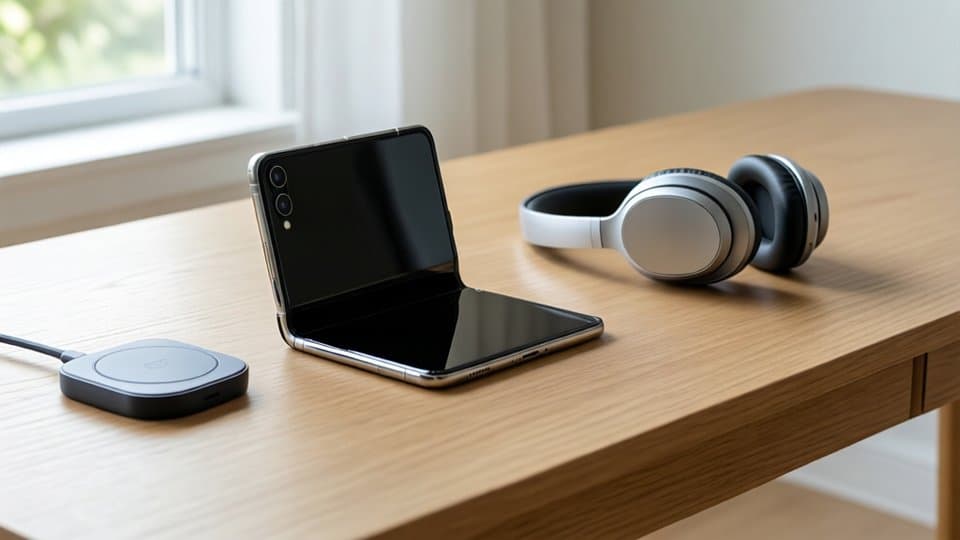
If you have recently purchased a Samsung Galaxy Z series foldable phone, you should enable the "double tap to wake" feature to avoid common navigation errors. This setting prevents the device from unlocking prematurely when you simply want to check notifications. On October 25, 2026, SamMobile reported that this software trick is essential for managing the specific hardware layout of these devices.
- Samsung's Galaxy Z Flip 8 and Fold 8 use side-mounted fingerprint scanners, according to SamMobile.
- The iPhone Duo features a 7.6-inch matte inner display, per The Verge.
- Apple's iPhone Duo costs as much as $1,999, according to Wired.
Why is my fingerprint scanner causing problems?
The hardware design on Samsung's latest folding devices differs from standard Galaxy models. While most Galaxy phones use sensors built into the screen, the Galaxy Z Flip 8, Fold 8, and Fold 8 Ultra utilize scanners embedded in the physical side button. This change creates a specific usability hurdle for long-time Samsung users.
Many users are accustomed to pressing the side button just to wake the screen or view a notification. Because the scanner is extremely fast, touching that button often triggers a full device unlock before the user can actually read the message. This makes checking the lock screen a frustrating experience for those used to in-display sensors.
How do I check notifications without unlocking?
You do not need to struggle with the side button if you use the built-in software shortcuts. Samsung's One UI includes a gesture that allows you to activate the display without touching the fingerprint sensor at all. This is the most efficient way to interact with your device when you are in a hurry.
The solution is to use the double-tap gesture on the display. By tapping the screen twice, you can turn the display on to view your lock screen or "Now Brief" content. This bypasses the side-mounted scanner entirely, ensuring you see your information without the phone jumping straight to the home screen. This feature is enabled by default, but it may be disabled if you transferred settings from an older device using SmartSwitch.
How do I enable double tap to wake?
Ensuring this feature is active is a quick process within your settings menu. If you find that tapping the screen does nothing, follow these steps to restore the functionality:
- Open the Settings app on your Galaxy device.
- Navigate to the Advanced features section.
- Locate the Motions and gestures menu.
- Ensure the toggle for "Double tap to turn on screen" is switched to the on position.
Samsung also provides a companion gesture to turn the screen off. You can double-tap an empty area of the display to put the device to sleep. Using both gestures together creates a more seamless experience that avoids the physical side button for basic screen management.
What are the differences between Samsung and Apple foldables?
The market for folding devices is currently split between different design philosophies. While Samsung focuses on high-speed biometric security via side buttons, Apple's approach with the iPhone Duo emphasizes a unique "passport" shape. This wide aspect ratio is a departure from the tall, narrow designs most manufacturers have used for the last five years.
The iPhone Duo uses a 5.4-inch outer display and a 7.6-inch inner display. According to The Verge, the Duo's wide format makes the cover screen feel small for vertical apps. In contrast, PetaPixel notes that the iPhone Duo's interior matte display is excellent at rejecting reflections and hiding fingerprints. Samsung users, however, must contend with the physical placement of their security hardware to achieve similar ease of use.
Is the screen crease a major issue?
A common concern for any user buying a folding device is the visible line where the screen bends. Samsung's Galaxy Fold series is known for having a crease that is "basically always visible," according to PetaPixel. This can be a distraction during media consumption or when viewing white backgrounds.
Apple has attempted to address this using a nano-texture matte coating on the iPhone Duo. This coating is intended to reduce the visibility of the hinge, which Apple describes as "perceptually flat." While PetaPixel reports that you can still feel the hinge when running your finger across it, the visual impact is significantly lower than on competing models. Users must decide if they prefer a glossy, highly visible crease or a matte, subtle one.
What should I do if I want to upgrade?
If you are moving from a standard smartphone to a premium foldable, you have several options for your old device. Wired suggests that iPhones hold their value well if they are in mint condition. You can trade them in directly to Apple for a discount or use third-party sites like Swappa or Back Market to get more cash.
When purchasing a new device like the iPhone Duo, be aware of carrier locks. In the US, most people buy through carriers, which often means the phone is tied to a specific network. Buying directly from Apple provides an unlocked device, which is much easier to use if you travel internationally or want to switch providers later without paying extra fees.
Frequently Asked Questions
Why does my Samsung phone unlock when I just want to see the time?
This happens because the fingerprint scanner is located on the side power button. Touching the button to wake the screen often triggers the fast sensor and unlocks the device immediately.
Does the double tap feature work on all Samsung phones?
The gesture is a standard part of Samsung's One UI software. While it is highly recommended for foldables, it is available on most modern Galaxy devices.
Will double tapping the screen drain my battery?
The feature uses very little power as it relies on the existing touch sensitivity of the display. It is a standard software setting designed for convenience and efficiency.
SEO Meta Description: Learn how to fix the accidental unlocking issue on your Samsung Galaxy Z foldable phone by enabling the double tap to wake feature in One UI settings.
URL Slug: samsung-foldable-double-tap-to-wake-guide