Save Big on Windows 11 Pro Licenses for Mac Users
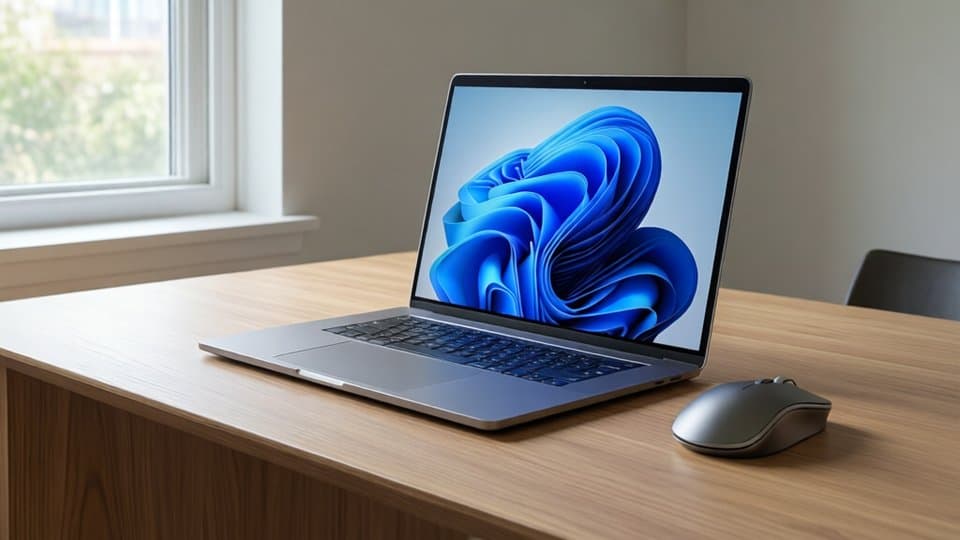
How to add Windows 11 Pro to your Mac for a low price
You can currently purchase a Windows 11 Pro lifetime license for a fraction of its retail cost to run Windows applications on your Mac. This sale allows users to install the operating system via virtualization software rather than buying a new PC. The current discount is available through StackSocial.
- Macworld reports the lifetime license is priced at $12.97 through November 8.
- PCWorld noted a previous sale price of $9.97 that ended on September 27.
- The standard retail price for this license is $199.00 according to Lifehacker.
What is this Windows 11 Pro deal?
The deal offers a lifetime license for Microsoft Windows 11 Pro at a massive discount compared to the standard $199 price tag. Instead of paying full price, users can acquire a redemption code to activate a fresh installation of the professional operating system. This is not an upgrade for old computers.
According to Lifehacker, this purchase is a fresh install for machines that meet specific hardware requirements. These requirements include a 1GHz processor, 4GB of RAM, TPM 2.0, and UEFI firmware. You cannot use this to upgrade a PC that does not support Windows 11.
The purchase process is simple. Once you buy the license through StackSocial, the redemption code and setup instructions arrive in your email inbox. This allows you to activate the software on your virtual machine or physical hardware once you have completed the installation.
Why does the Pro version matter for Mac users?
Running the Pro version instead of the Home version provides essential security and business tools that many users need. This is particularly true if you are using Windows to access work or school networks. The Pro edition includes features that standard Home users do not have access to.
One major benefit is BitLocker. Macworld explains that BitLocker encrypts your entire drive. This protects your files within a virtual machine if your Mac is ever lost or stolen. It adds a layer of safety for sensitive data.
Professional users also gain access to Azure AD. This tool allows you to connect your Windows environment to a business network for identity and access management. PCWorld notes that these features are vital for running specific finance tools or older software safely. It makes the virtual environment feel like a professional workstation.
Who can use this software on a Mac?
This deal is for Mac owners who need to run specific Windows applications, games, or specialized work software. Many programs have no macOS version, making a Windows installation necessary. You do not need to buy a separate physical PC to use these tools.
The software works through virtualization tools. You can install Windows 11 Pro inside Parallels Desktop, VMware Fusion, or a Boot Camp partition. This allows you to run Windows alongside macOS without the need to reboot your computer every time you switch tasks.
Developers and IT staff will find the most value here. The license includes Hyper-V, which is a tool for running virtual machines. It also includes Windows Sandbox. This feature lets you run unfamiliar apps in an isolated space to test them before trusting them with your main setup. It is a smart way to stay safe from malware.
What features are included in the license?
The Windows 11 Pro license includes several productivity and gaming enhancements. You get the standard Windows 11 interface along with professional-grade utilities. These features are built into the core operating system and carry over to your Mac via your chosen virtualization software.
Productivity tools include:
- Snap layouts for arranging multiple apps on your screen at once.
- Copilot, an AI-powered assistant in the taskbar that can summarize pages or write code.
- Virtual desktops to help manage different tasks.
- Microsoft Teams support for remote work.
For those interested in performance, the license includes DirectX 12 Ultimate. This helps your hardware perform better during gaming or graphics-intensive tasks. However, your Mac must have sufficient power to handle these demands. It also supports biometric sign-in through TPM 2.0 for easier and more secure logins.
What should you do if you want to buy it?
If you want to take advantage of this price, you must act before the sale ends. The current price of $12.97 is set to expire on November 8. Because prices on StackSocial are subject to change, you should verify the current cost before checking out.
Follow these steps to set up your Windows environment:
- Purchase the Windows 11 Pro lifetime license from the StackSocial website.
- Check your email for the redemption code and the specific setup instructions.
- Open your preferred virtualization software, such as Parallels Desktop or VMware Fusion.
- Follow the instructions to create a new Windows 11 installation using your new license key.
Keep in mind that this is strictly a Windows license. It does not include an upgrade for Microsoft Office. If you need Office, you will need to use a separate license, though it will work alongside Windows if you are using Parallels Pro.
What happens after the purchase?
After you redeem your code, the license ties to one PC or virtual machine. It does not tie to a Microsoft account. This means you have more control over how the license is applied to your specific setup. You have 30 days to redeem the code after your purchase is complete.
The software will function as a full version of Windows 11 Pro. You will have access to all the security updates and professional features mentioned. As long as your Mac meets the hardware requirements, the experience should be seamless within your virtualization software.
There is no mention of a subscription model here. Since it is a lifetime license, you do not have to worry about recurring monthly fees to keep the operating system active. This makes it a predictable one-time expense for Mac users needing Windows access.
Frequently Asked Questions
Does this include Microsoft Office?
No, this deal is only for the Windows 11 Pro operating system. You must purchase a separate license if you want to use Microsoft Office apps.
Can I use this to upgrade an old Windows PC?
No, this is a fresh installation license. Your computer must meet the Windows 11 requirements, including TPM 2.0 and a 1GHz processor.
How do I run Windows on my Mac?
You can use virtualization software like Parallels Desktop or VMware Fusion. These tools allow Windows to run in a window inside macOS.
SEO Meta Description: Get a Windows 11 Pro lifetime license for your Mac for just $12.97. Learn how to use Parallels or VMware to run Windows apps without buying a new PC.
URL Slug: add-windows-11-pro-to-mac-sale